As malicious actors become increasingly more skillful and aggressive in their approach to wreak havoc on business, backups are needing to stay ahead of the game with additional measures to ensure backups stay safe and secure. Over the last several major versions, Veeam have introduced Immutability, In-Line Malware and anomaly detection, Offsite backup, Four eyes, encrypted backups and many other features to ensure that business can keep their data safe.
In Veeam Backup and Replication V13, Veeam introduced their next step in assisting with keeping their backup appliance safe but also providing additional security measures for backups. In order to accomplish this, the Security Officer account was created. This is an account that is available to set up during the onboarding stage of the appliance after the veeamadmin account is created and is for complimenting the veeamadmin account, not a replacement.
The Security Officer account has only limited functions related to security and does not provide administration tasks for backups, replication, or general management of workloads. The sole purpose is to act as a secondary account to check and confirm. One of the tasks is to approve and deny requests such as enabling SSH, where these requests have been made by an admin account. In most cases the account would be used in an authorization/auditing situation.
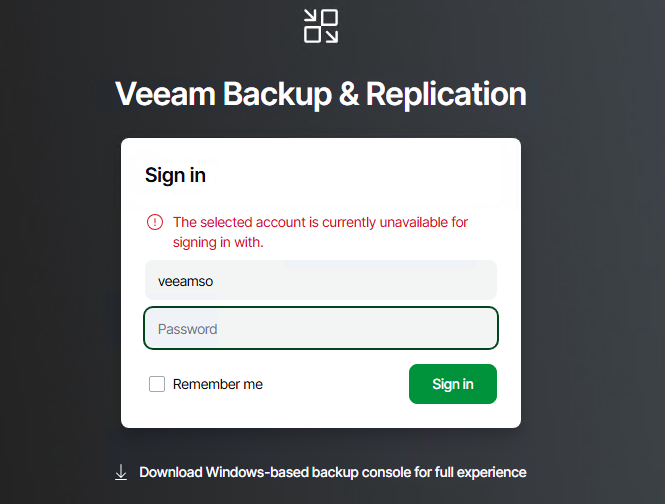
Let’s first take a look at accessing the appliance with the account. The Security Officer account is only accessible through the :10443 port of the webUI where the management of the appliance can be performed. When logging in with the account to the standard administrative area, there will be no access available. The appliance management section can be accessed by the veeamadmin account to change update settings, Networking, etc which is accessible via https://<hostname/IP>:104433
Security Officer Tasks:
- View and Approve or decline authorization requests
- Reset own password
- Reset MFA
- Reset password recovery token & Use password recovery token to resolve authentication issues
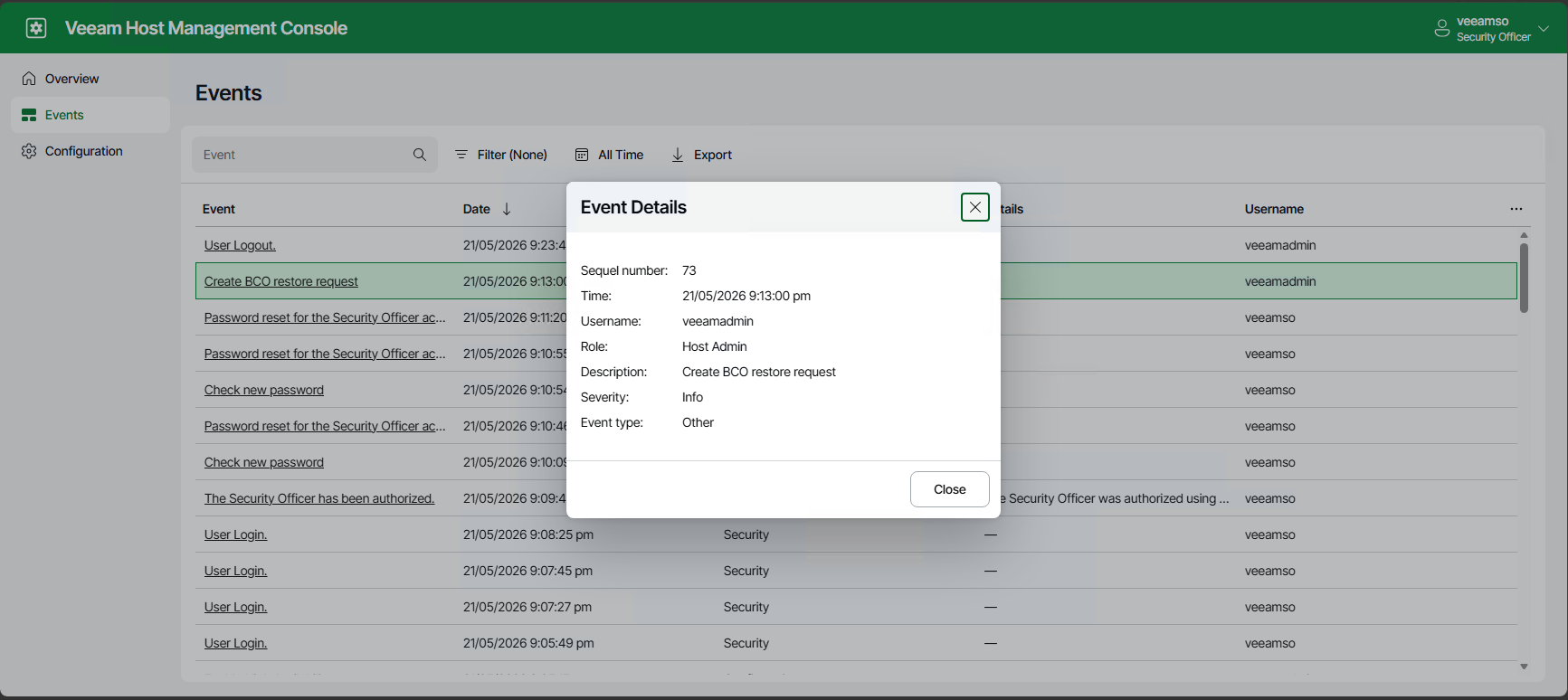
- View and export Veeam Software Appliance events
This list of tasks is limited at the moment, but still allows for a number of checks and balances to be performed by the security team and prevent certain scenarios from occurring when infrastructure is under attack.
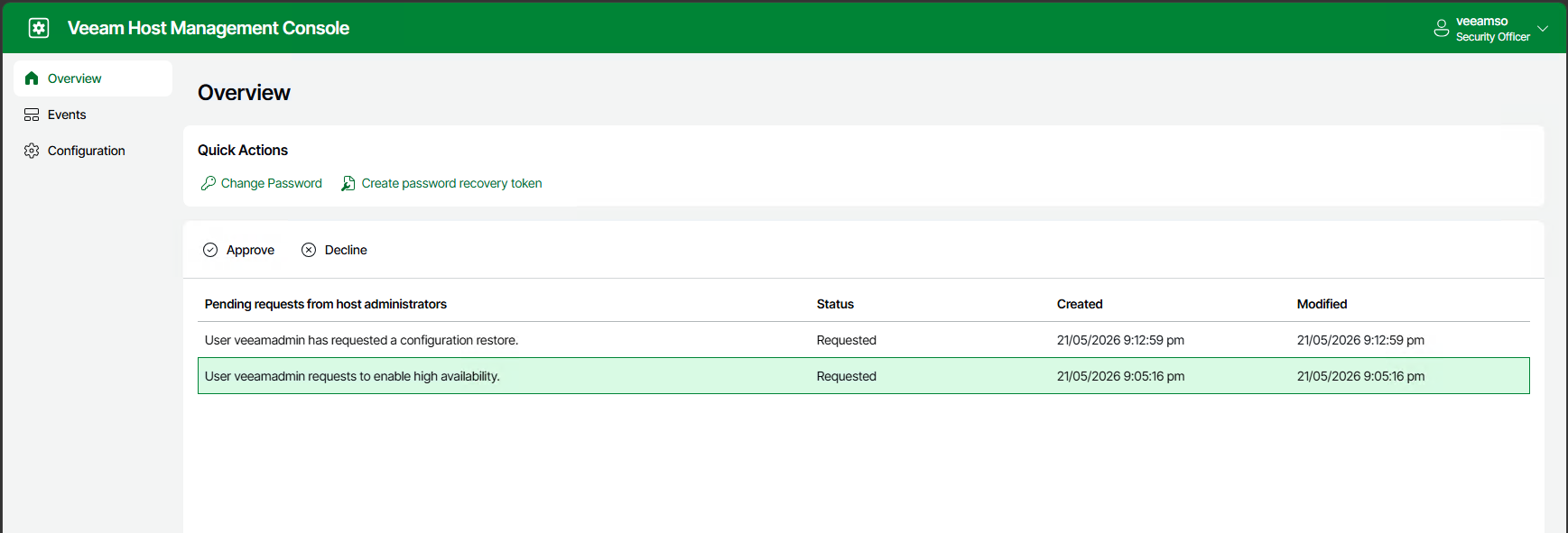
View and Approve or Decline Authorization Requests:
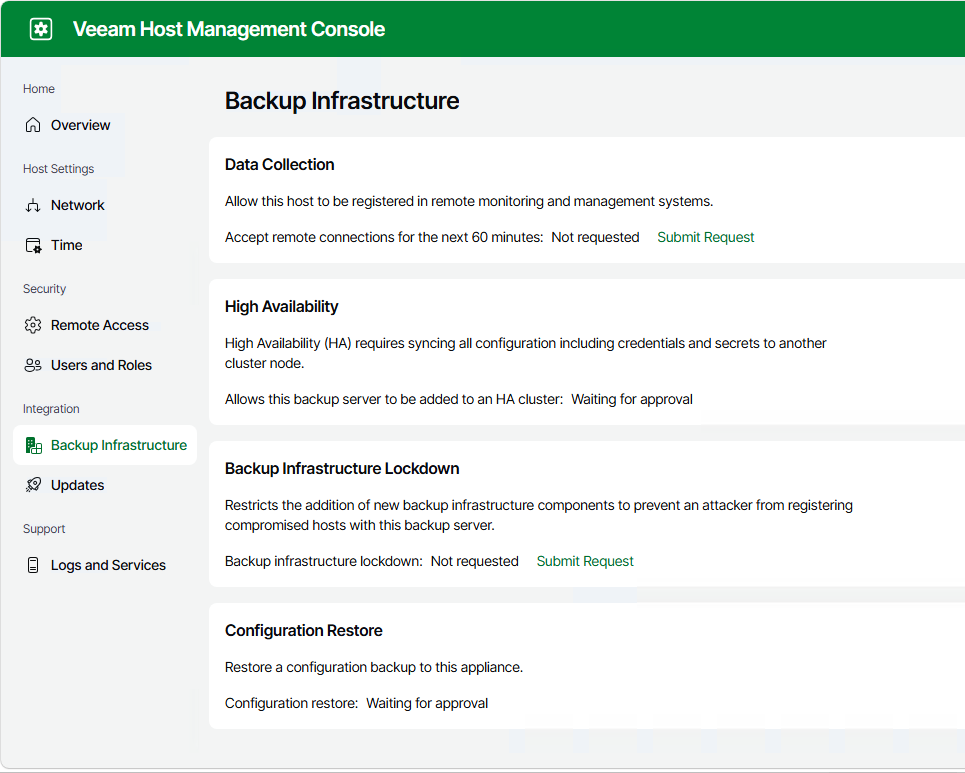
If a administrator was able to enable features or actions without approval, then an attacker would also be able to do the same. Enabling the ability for a second user account to approve access forces the attacker to require the second account as well before they are able to enable functions such as SSH, grant root access, Stop Veeam Service, resetting a locked users account, Allow remote connections for Veeam Agents, importing configuration files, changing domain memberships and creating additional security officer accounts. When you step back, these are actions you don’t want backup administrator to just be able to perform, splitting out roles and responsibilities are what help keep systems secure and having that additional step can be the difference between a minor and a catastrophic security event.
Reset Own Password and Recovery Key Token:
This one is fairly self explanatory, but it’s good to know that when in this account that it will have the ability to reset it’s own password. However if the account password has been forgotten then the recovery key token is available to use in order to reset the password.However, if the recovery key is no longer valid or available, if the login details are still valid the Security Officer is able to reset the recovery key and MFA for the account. 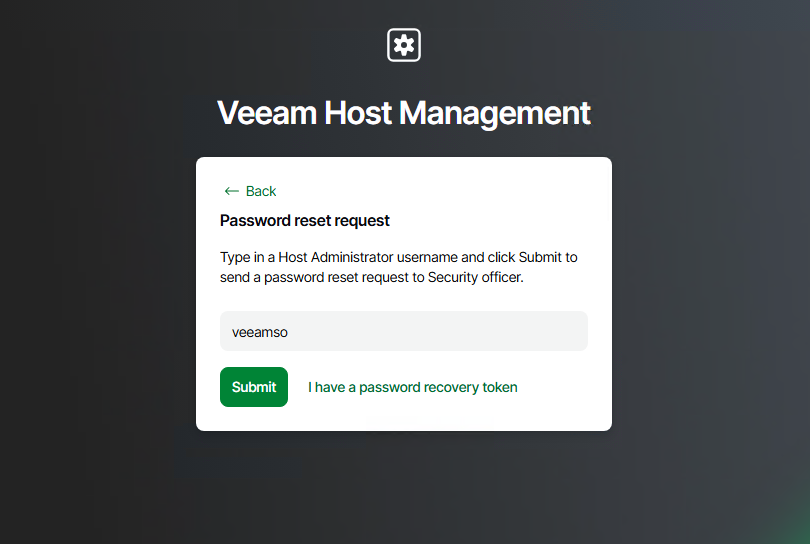
When resetting with the recovery token, the account will go through the initial set up Wizard requesting a new password, MFA set up and a new recovery token.
View and Export Veeam Software Appliance Events
Under this category, all security related events are recorded and avialble for the Security Officer to review and export to CSV. When reviewing a security event, the details are easily displayed to show who performed the action, what their assigned access role is, and the description of the action. The events are able to be exported into a CSV file.
Wrapping up
While at this stage in Veeam Backup and Replication V13, the Security Officer is showing a lot of potential for the types of security actions it can perform and the additional steps Veeam is putting in place to ensure that your backups remain safe and secure. There are a lot more tasks that could be built into the role, such as additional four-eyes for the removal of Backup Infrastructure or marking backups as clean from malware, but this is still the first revision but a great first step with this account.
Leave a Reply