Tag: Rubrik

  • Rubrik Build Roadshow – Brisbane Event Overview

    Rubrik Build Roadshow – Brisbane Event Overview

    On Monday, I took part in the Rubrik Build roadshow. This was an awesome opportunity to learn about working with Open Source projects and how to contribute from writing code, to writing/editing documentation, testing and version control and much more using GitHub, but that wasn’t all. Back in February, Rebecca Fitzhugh, Chris Wahl and their teams at Rubrik launched “Build” as project to bring awareness and education to working with open source projects and APIs. These events are not meant to be focused on Rubrik, but the lessons do connect to a Rubrik cluster as the API docs and software is readily available.

    I came across Build back when it launched in February and I have been a member of their slack group since it’s birth. After joining and looking through the plethora of content readily available through build.rubrik.com. I decided that I would attempt to write my first full script from scratch, just to put up on Github. Having always struggled with starting scripts from scratch, I started with planning out each step, in fact, I stepped through the process manually and event created a blog post about those steps – then Roxie set the challenge.

    https://twitter.com/RoxieAtRubrik/status/1120415276795928576

    I knew what I wanted to achieve and after having looked through several PowerShell scripts already up on the Build github repo, I had an idea on how it should look. After a couple of weeks writing and testing, I had a full script ready to put up.

    Once I had my script up publicly on Github, I linked it to the Build slack group where I got some great feedback, and even one of the main Rubrik PowerShell maintainers made a comment he was going to take part of my script and incorporate it into some of his.

    https://twitter.com/RoxieAtRubrik/status/1127946416523886592

    There was one hiccup with the Rubrik PowerShell module, but I’ll talk a little bit about that later.

    That is only a basic outline of my story of getting started, but without the Build community, I would not have dived as deep into APIs and scripting as quickly as I did here.

    So tracking back to the Build event, this was jam packed full of information, the session kicked off with Rebecca talking about the project, the idea behind it and the future outlook of build. She went as far as to talk not only about working with GitHub and the scripts and repositories available, but also the process and level of alerting her team receives when an issue is submitted on GitHub. This showed the level dedication the team has to ensuring that it’s contributors are looked after and have a fantastic experience while contributing. I found out first hand during my first script how enthusiastic the team is in helping as I was unable to find a call within the SDK to install a Volume Filter Driver. I went ahead and posted in the slack group about what I was trying to achieve and said that I was unable to find how to perform this particular action, and in no time, there was a response from Andy Draper who immediately went out of his way to write and test a call. I have since been informed that it is currently being worked on to be added to the SDK.

    After the first lesson and practice modules of using Github and how forks, branches, conflicts, etc. work, Chris then kicked off the main part of talking about APIs and about the different ways you might come across APIs and how to use them. The lesson took you through how to use the API Explorer (Similar to VMware’s API Explorer if you have ever use that). The lessons took you through how to authenticate using cURL and how to use tokens within the Rubrik cluster when making a call using an API.
    Chris then followed up with a crash course in PowerShell and giving a fairly in-depth look into how PowerShell came about and how easy it is to work with. This then went into discussing the different components and how modules are used and how easily they can be created.

    Overall, I thoroughly enjoyed the sessions, I learnt a lot about automation, APIs and working with the Open Source community that I didn’t know beforehand. I highly suggest that If you are a novice or even an intermediate at working with APIs and Automation that you seek out when Rubrik Build is coming to a city near you and get over to it and see for yourself what it is all about.

    If you are unable to make it to a Build event, then get involved through the build online community and start looking at how you can contribute to the wider Open Source Community. There are use cases available on the website so you can get a good idea on where you can get started.

    You can find out more about Rubrik and Build by checking out the videos from Cloud Field Day 5 
  • Rubrik Backup Service Windows Host Install Walkthrough

    Rubrik Backup Service Windows Host Install Walkthrough

    To be able to get the most flexibility out of your data management and backups, sometimes you need more to be able to interrogate your OS to be able to backup the applications that are running inside. Some backup providers use VMware Tools\Hyper-V Integration Tools to be able to perform application consistent backups, such as; MS SQL and MS Exchange. Whilst this may seem like a great idea to minimise the number of services running, this also means that the backup vendor loses some control over what their product can leverage and limiting them to the virtualisation eco-system.

    Rubrik delivers control and flexibility with their Rubrik Backup Service (RBS) which is available for Windows, Linux, AIX and Solaris, but also allowing for the ability to backup virtual and also physical servers. The RBS allows for granular control over applications such as MS SQL where it can backup each database with different SLA domains, as well as backing up file systems.

    This post will walk through deploying the RBS to a MS Server 2019 Server manually, although, there are several methods available to automate the installation, this walkthrough will show you . To automate check out the Rubrik Inc. Github and Rubrik Build for sample scripts and API documentation. For Example: Install-RubrikBackupService with PowerShell

    Required Opened Ports: 
    tcp 12800
    tcp 12801

    First off, downloading the Rubrik Backup Service installer is easily achievable by 2 methods. You can obtain the installer from under the Windows Host section on your Rubrik CDM web UI or via the hyperlink https://<rubrik cluster Ip-hostname>/connector/RubrikBackupService.zip


    Once downloaded you will need to extract the contents. Ensure that you keep all files together in the same folder as they are all required for the install. Each installation package is specific to the cluster it was downloaded from and will only work with that cluster.

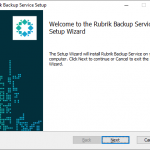
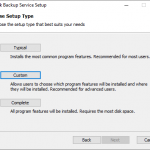
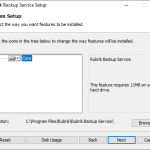
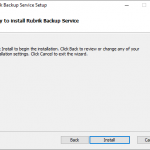
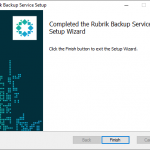
    The wizard is a simple “Next, Next..” process. Open the MSI file. When you select custom, you do have the ability ti change the installation location. Once completed, click Finish.

    Open up the computer Services manager and check that the “Rubrik Backup Service” is running.

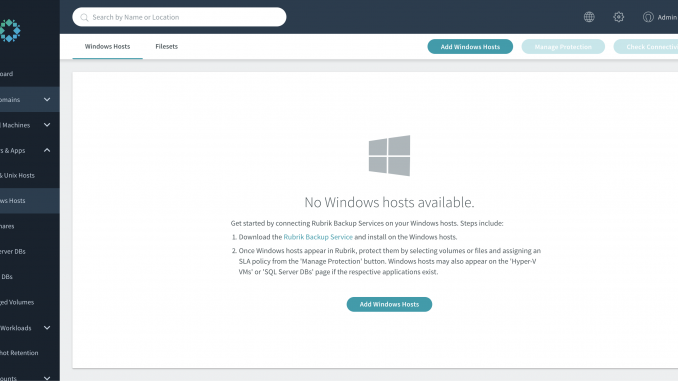
    At this point, you will not see the host show under Windows hosts under the web UI, you will need to click on the “Add windows hosts” button – either in the main screen or in the top bar.


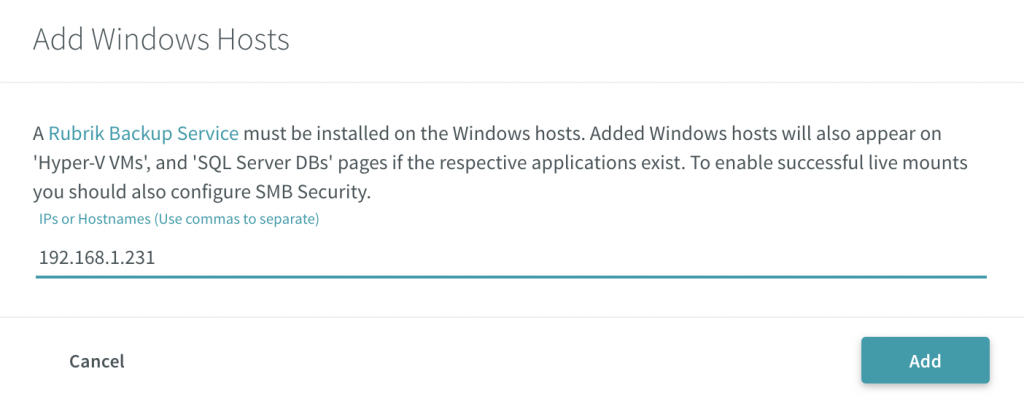
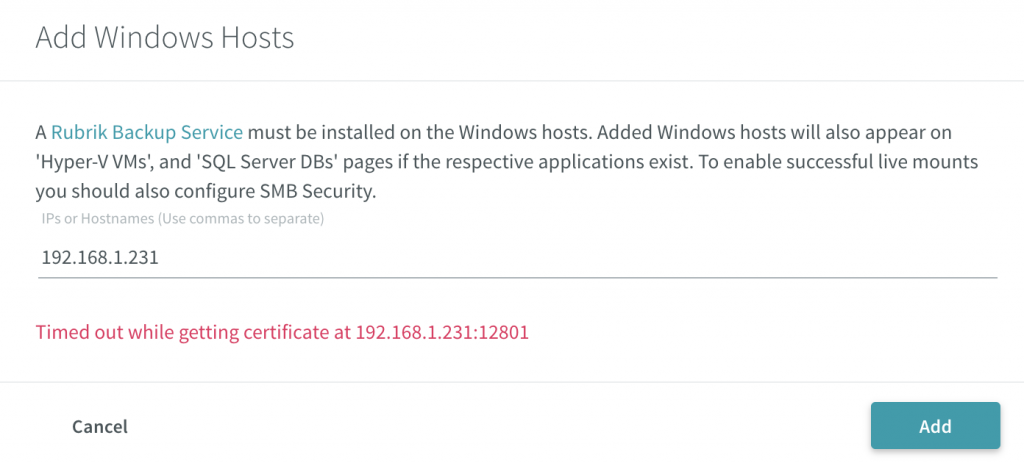
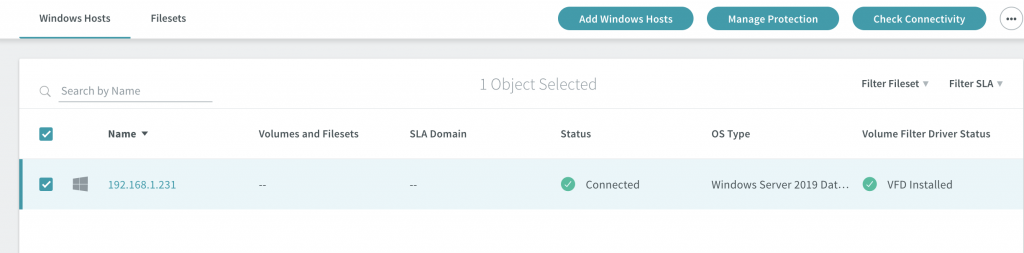
    When adding the hosts you can either do this by IP or hostname. Ensure that your DNS is configured correctly prior to trying to add via hostname – click Add. Adding the host will create a secure connection between the host and the cluster.


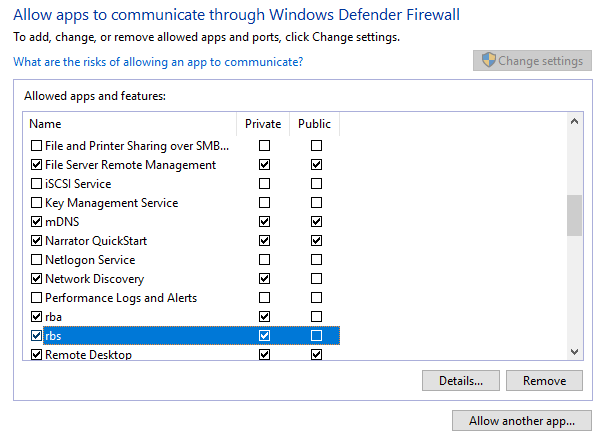
    If you run into an issue where the cluster is unable to connect to the host or display an error regarding retrieving the certificate, make sure you configure your firewall. As this lab is on a single subnet the cause for the error was the Windows Defender Firewall. Add the required allow access and retry added the Windows host to the cluster.


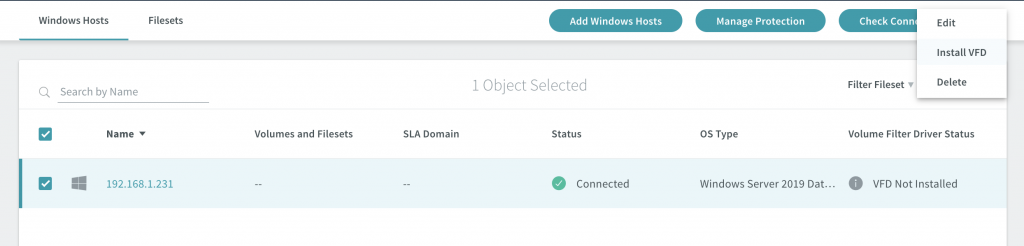
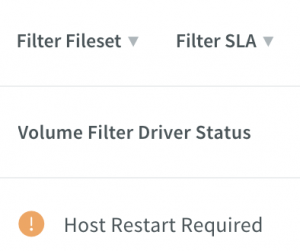
    The host will show a status of “Connected.” You will need to install the Volume Filter Driver (VFD) to enable the cluster to track changes to the blocks as well as assist with the performance of the incremental backups. Select the host you want to install the VFD on and click the 3 dots in the top right corner -> Select Install VFD -> Wait until the Volume Filter Driver Status changes to “Host Restart Required” and reboot the host. (Refresh the UI if you don’t see it update after some time.)


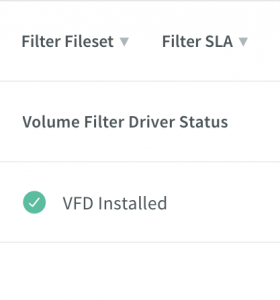
    After reboot, you should now see the status change to “VFD Installed”

    The Windows host is now looking ready to go and the last two items are to set up the protection by adding the SLA domain and content to be protected

    .
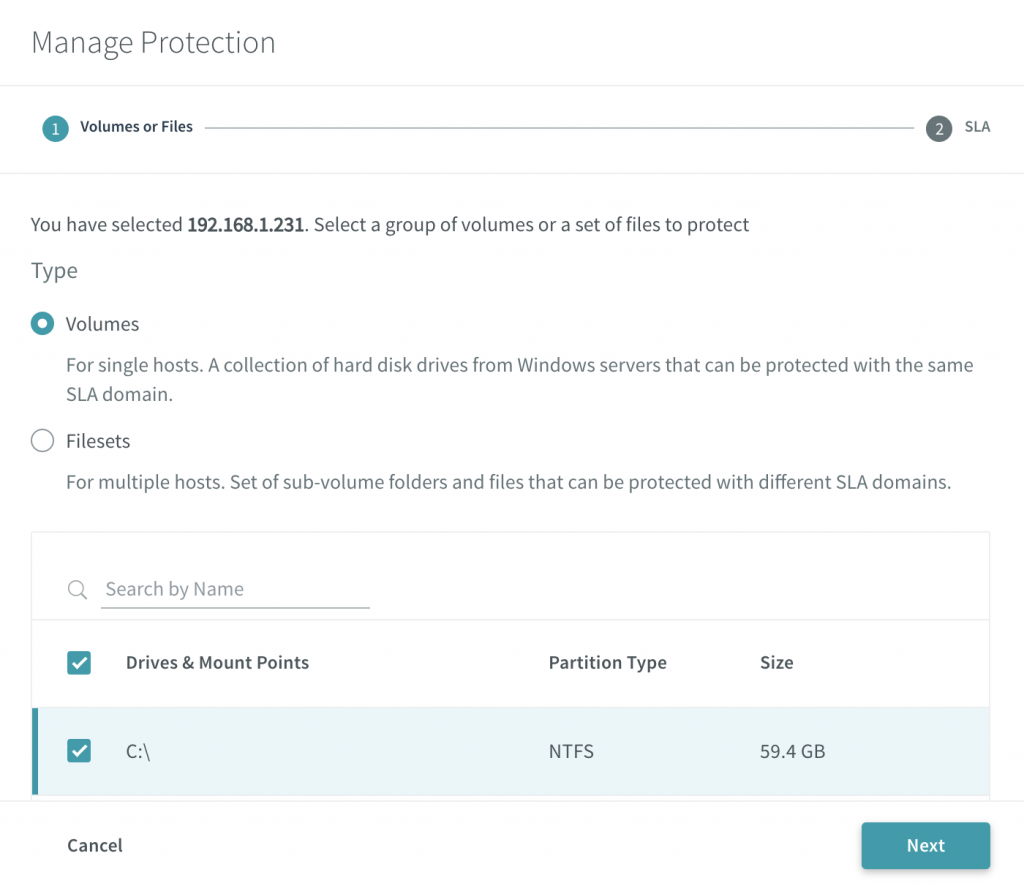
    Select the host and click the “Manage Protection” button. Here you can choose to backup set you want to protect, whether it is the volumes or filesets.

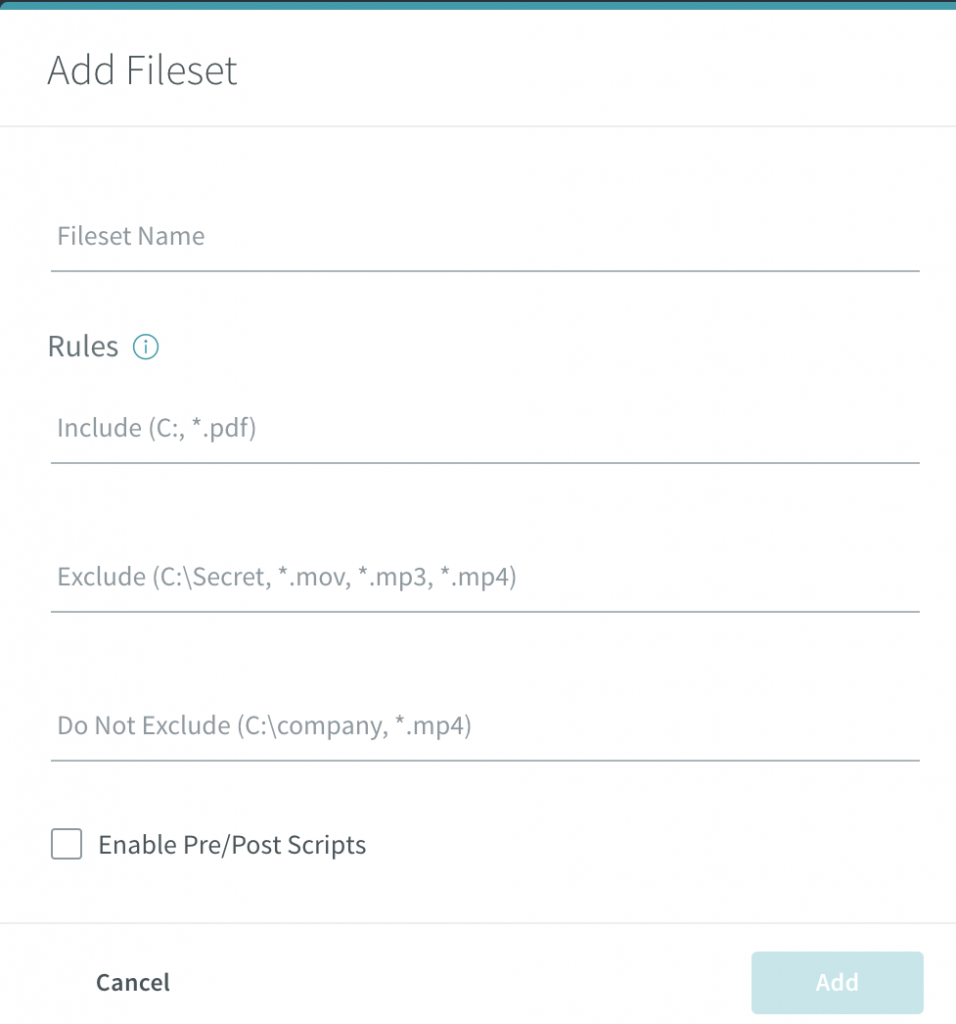
    When adding a fileset, you can set rules around whether to include or exclude certain folders and file types.


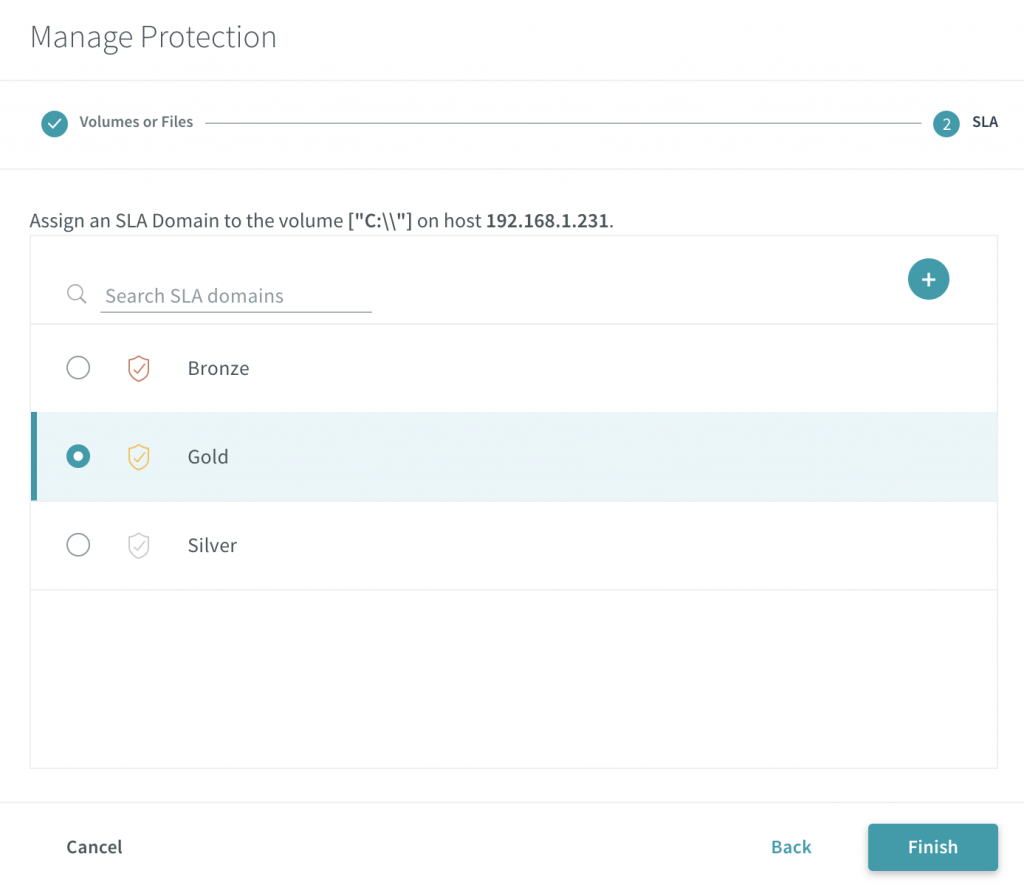
    Once you have set your backup set, you can then assign the SLA domain that meets your requirements for your backup SLA. For more about SLA Domains see SLA Domains Global Scale


    It is a very simple process which, as mentioned above, this can be automated through the use of scripts and APIs, however this was just a walkthrough of the process. Ensure to check out the Rubrik Build site. There are also other scripts available on the Rubrik Build GitHub repo along with various SDKs for use with Rubrik CDM.