This post may come as a bit of a surprise to some of you who have seen my focus mostly on Storage, Backup and VMware products, but the world is a bigger place and there are technologies out there that are evolving and my interests have done a complete 360 back to my earlier days.
This past week, we have seen the Microsoft Build conference take place streaming hundreds of sessions live from the presenter’s own home. For me, this has been a great opportunity for technologist to be able to be part of a conference they may not have been able to attend previously. I know for myself, I would not have spent the money previously to attend in-person, but that has more than likely changed now that I have had a a front row seat into the benefit of these sessions and what they have opened my eyes up to. For the past couple of months, I’ve been thinking about moving back into the Microsoft space, I’ve spent the last 6 years focused on virtual infrastructure and less on guest OS. I’ve been dabbling in Linux for a little, but I am heavily focused on using MacOS as I’ve found Windows to be a bit too restrictive, that was until Microsoft started releasing some new exciting applications that have made a world of a difference to me and I feel have created a much more inclusive ecosystem. I use Windows 10 in the office, but any other time I will use my MacBook Pro. Since Microsoft brought out WSL, I have been using Ubuntu for all my SSH sessions and doing general command line web operations. Prior to this, I would pull out my MacBook or fire up a Linux VM.
At Microsoft Build, there have been a number of new applications that have been released for preview that I am excited to see. The ones I am going to mention in this post are what I have found will help me in my day-to-day or just handy to have. There are many more out there, but here is my shortlist.
- Windows Terminal
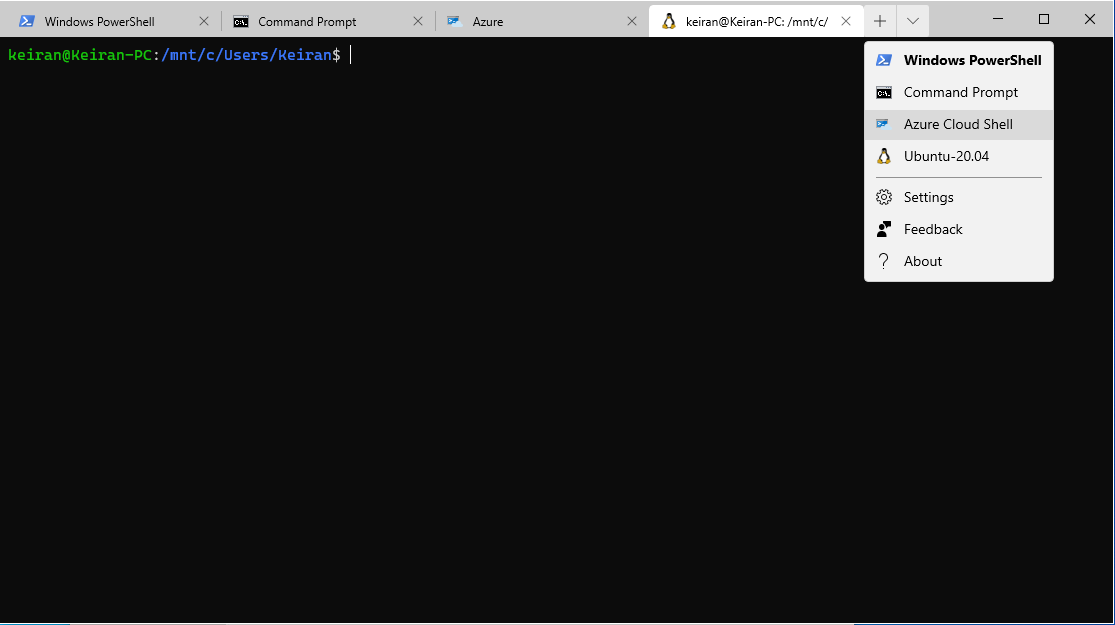
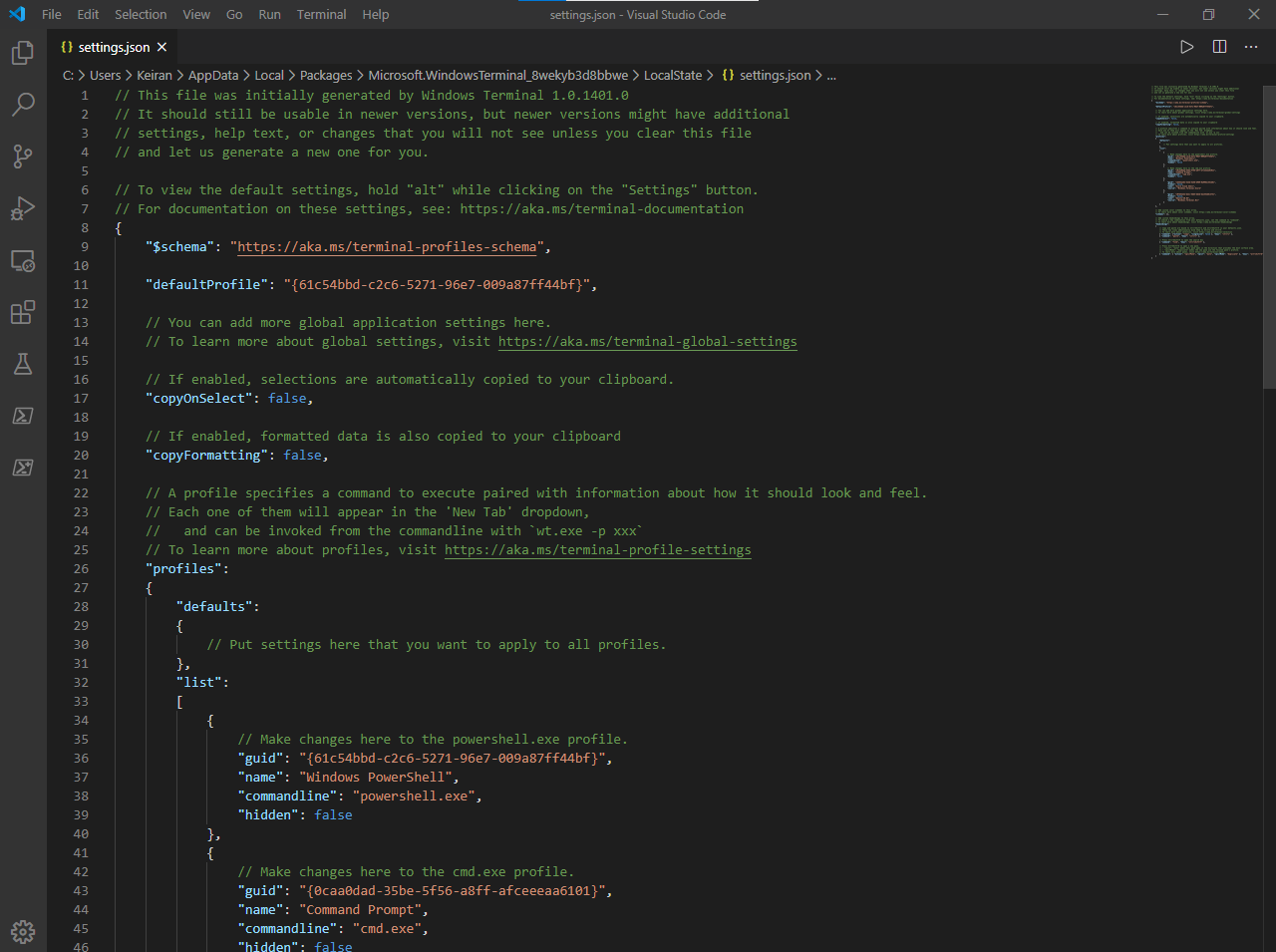
Here we find what looks like a standard Powershell window, but alas, it has much greater functionality that just running a couple of one-liners or scripts, by default, there are several preconfigured command line tools available, but you can also edit the settings via it’s config file and add more applications to keep them all in one spot. Windows Terminal may only be command lines, but it’s the way you set it up and use it, that’s what makes it so powerful. Windows Terminal is now 1.0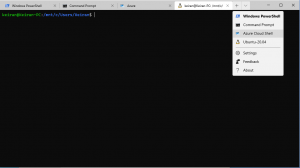
WIndows Terminal 1.0 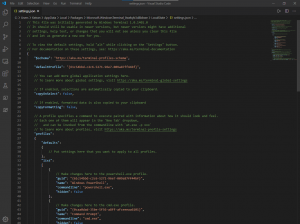
Windows Terminal Config - PowerToysThis has been a very welcomed addition, although still in preview, PowerToys adds extra tools to be able to customise and manipulate files, and customise your workspace with FancyZones.
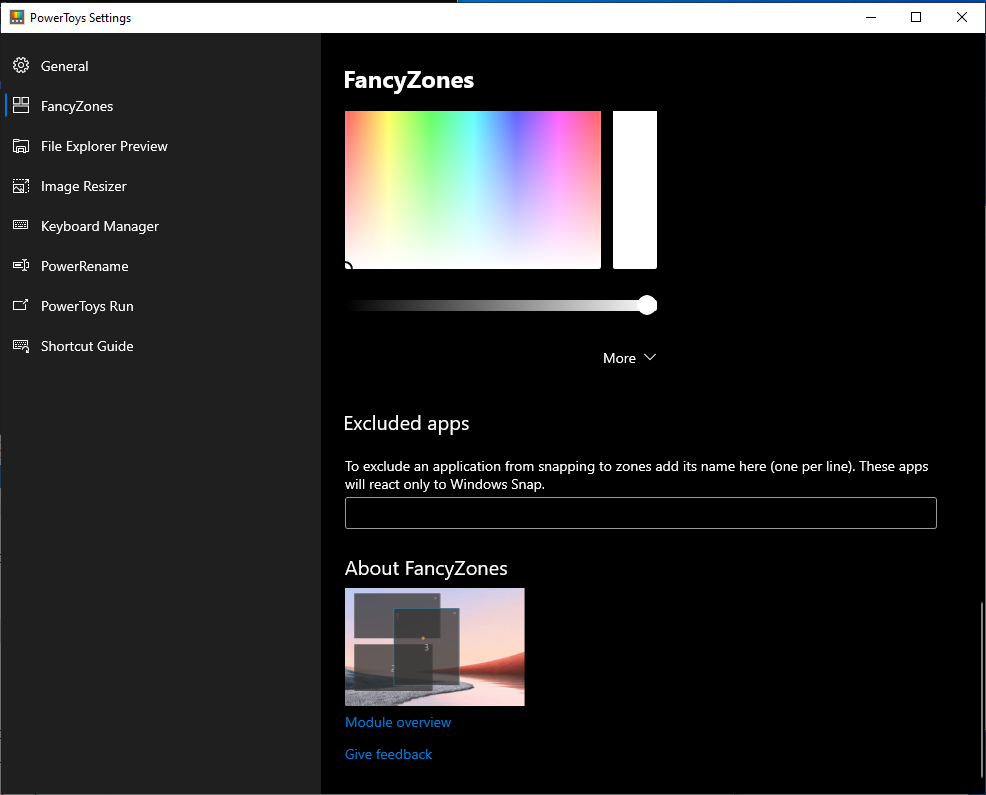
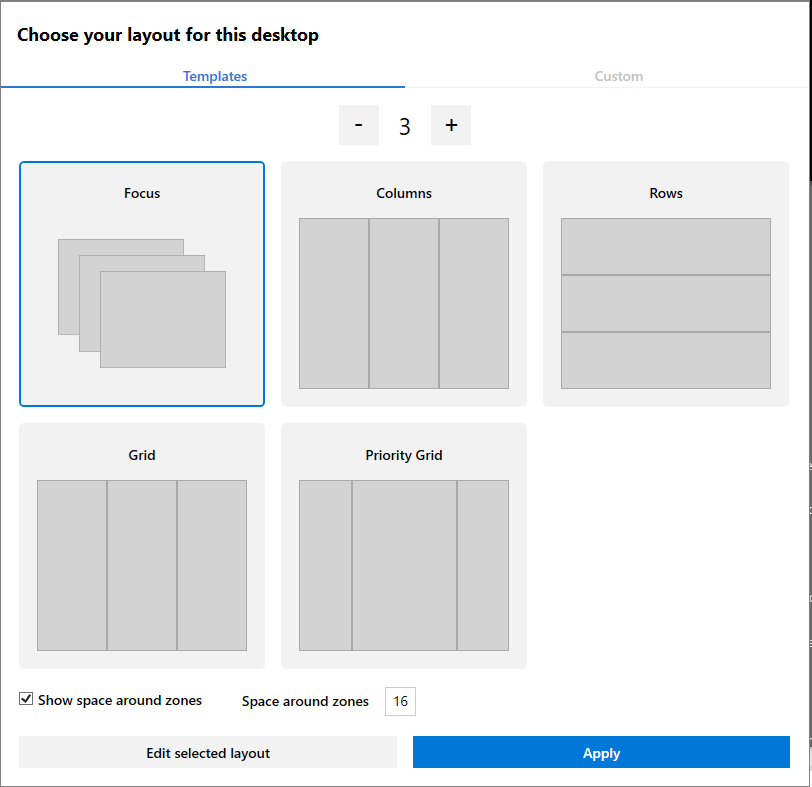
FancyZones allows you for create layouts for applications and have them snap to certain areas of your desktop to create a useable workflow for our day to day activities. You can use the templates already provided or create your own layout. There are multiple colour options to show which zone is currently active and which others are inactive.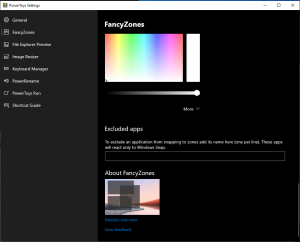
PowerToys FancyZones Options 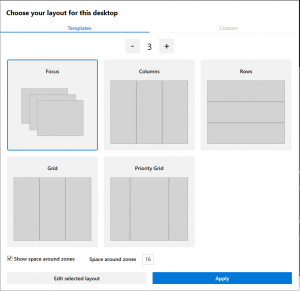
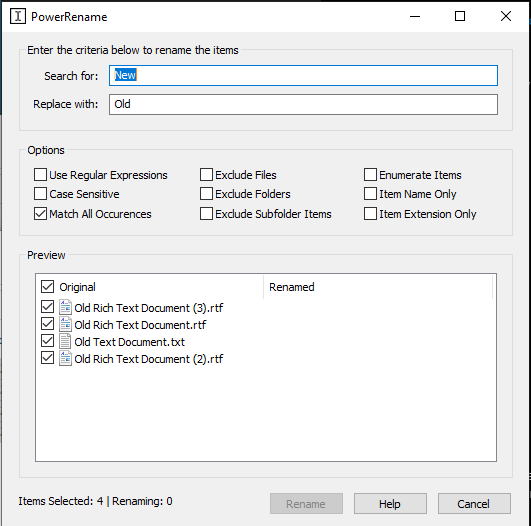
PowerToys FancyZones Templates The next 2 PowerToys will eliminate the need for 3rd party applications to be able to do bulk file renames and also image resizing. Don’t you hate I when you take a new set of photos for an event and they are all need something like “img_xxx”? – Well now you no longer need to either sit there renaming one by one or running through a 3rd party tool. PowerToys brings with it a simple File Renaming feature “PowerRename” that can be pinned to your explorer menu, allowing you to easily select your files, right click and Rename Files. The tool uses a “Find and Replace” method, so you can save time and only rename certain words, if needed.
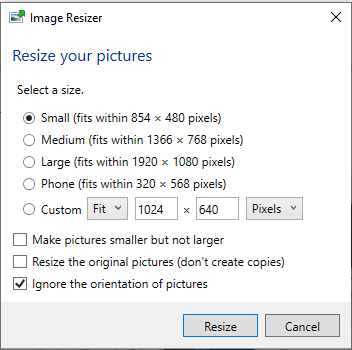
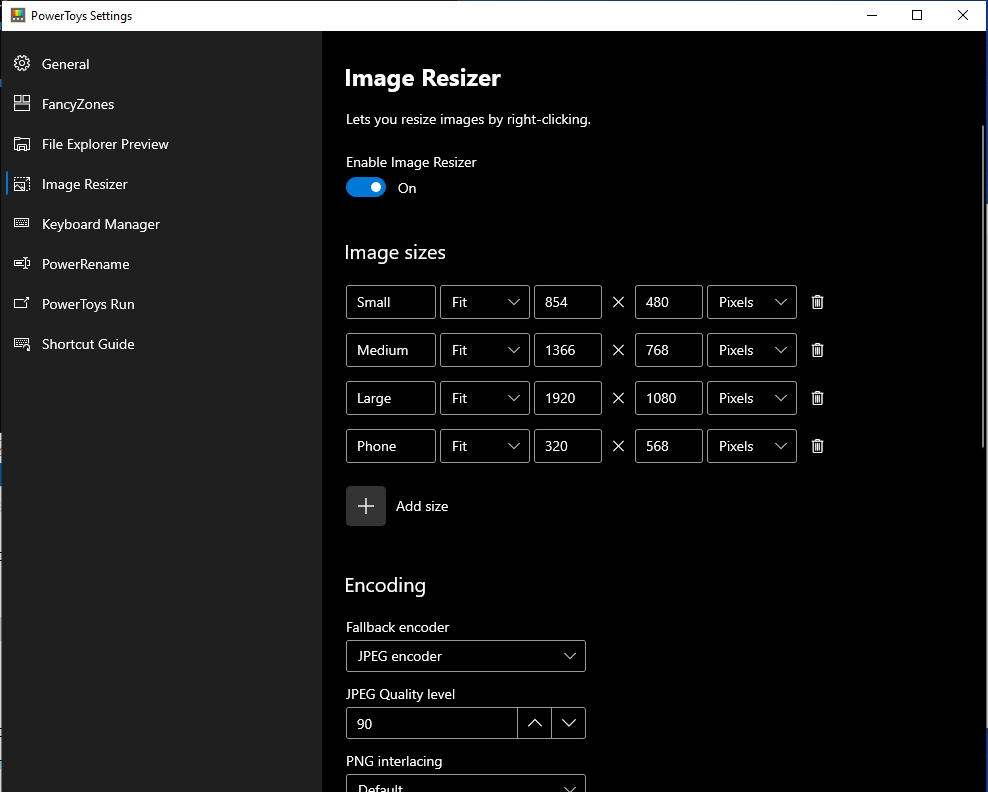
The Image Resizer works in a similar to the File Renamer. In the settings, you can create your presets for your image sizes and then you just select your images, right click and choose the Image Resizer. You are then presented with a window to select the size you would like all your select images to be.
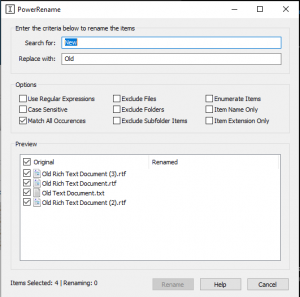
PowerToys PowerRename 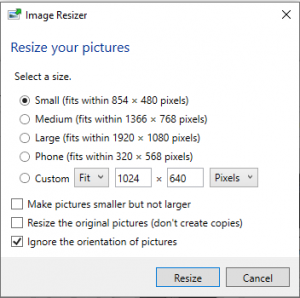
Image Resizer 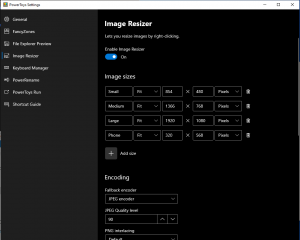
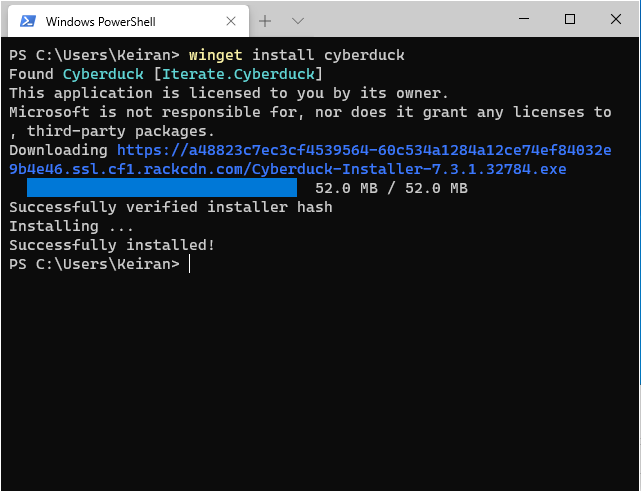
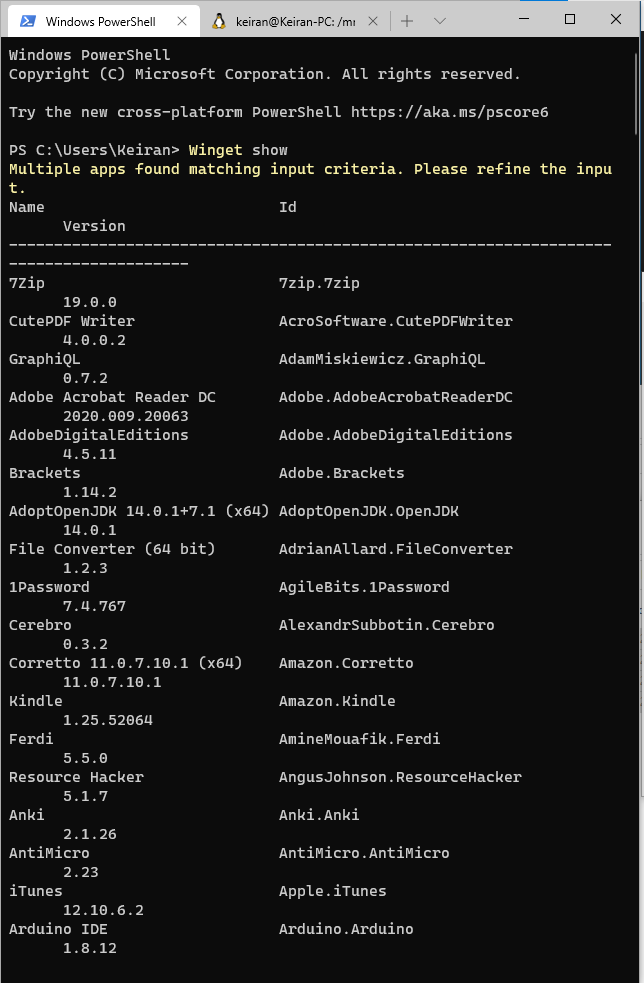
Image Resizer Settings - Windows Package ManagerIf you have ever used Linux, whether it be Red Hat or Debian variants, you should be well aware of the yum (dnf) or apt package managers (some others exist for other distributions). Microsoft are now adding yet another feature to Windows to be able to move more inline with the evolving community and have release their new Windows Package Manager. Currently also in preview, it allows you to install recent releases of Windows applications through the commend line using winget. Simple commands such as winget install and winget show will allow you to find and install available applications. The winget show command will list the applications and their most recent version available. Once the application has been installed via the package manager, you will then be able to use it as any other application installed from an executable or msi file.
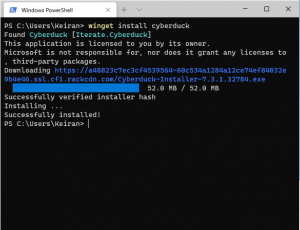
winget install 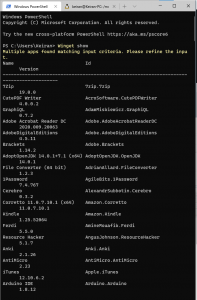
winget show
Microsoft has certainly shown that they are listening to what users want, and are learning what people need to be able to operate in their day jobs. Previously, we needed tools such as putty to connect to SSH sessions, but with Terminals and WSL2, we are now able to connect with all in one tools from one operating system. I am excited to see what else is out there coming from Microsoft and where they roadmap is heading. If you missed any Microsoft Build sessions, you can head over and watch them on-demand.